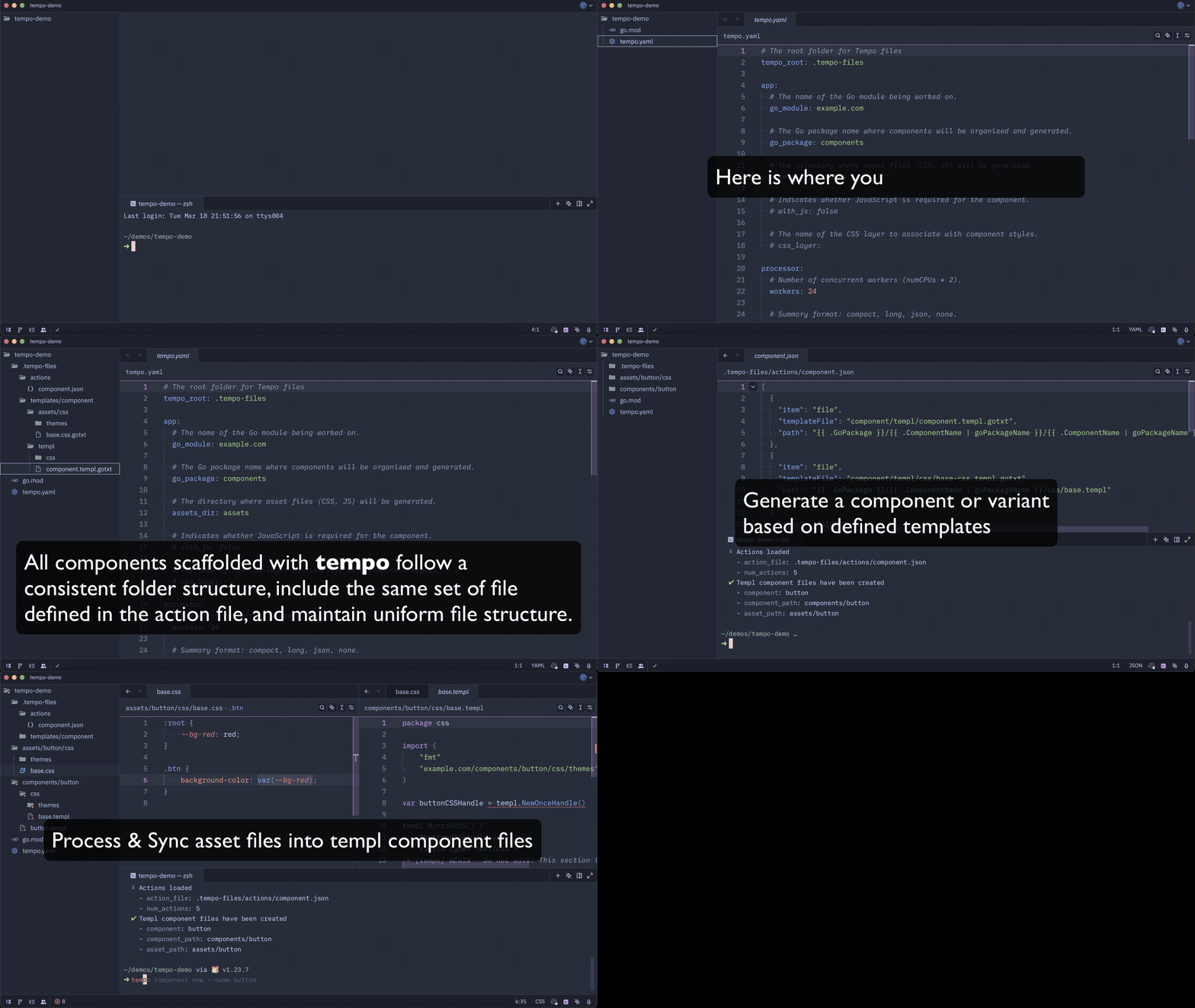
Why Tempo?
Tempo improves the developer experience when working with templ by:
- Keeping CSS/JS in separate files while auto-injecting them at build time
- Scaffolding components without Node.js or Plop.js
- Preserving native tooling support (syntax highlighting, linters, formatters)
The Problem
templ excels at Go/HTML templating but lacks a structured approach for managing standalone CSS and JS. You can write them inline in .templ files, but you lose syntax highlighting, formatting, and autocompletion.
Scaffolding has a similar gap - every component follows the same folder structure, but there's no built-in way to generate it without pulling in a Node.js toolchain.
How Tempo Solves It
tempo keeps your CSS and JS as regular files during development. Your editor tooling works normally. When you run tempo sync, assets are injected into .templ components automatically - the source files stay untouched.
A quick look at how
temposyncs assets and scaffolds components: